
If you have already added a scene to a slide, you can swap it for a different one at any time. Powtoon replaces the current scene with whichever scene you select from the scene libraries.
Before you start
Your slide must already have a scene applied before you can swap it. If you have not yet added a scene, add one first and then return to these steps.
- Right-click the slide with the scene that you want to swap and then click Swap Scene.
If you are working in Edit mode, you can also select Swap from the slide menu:
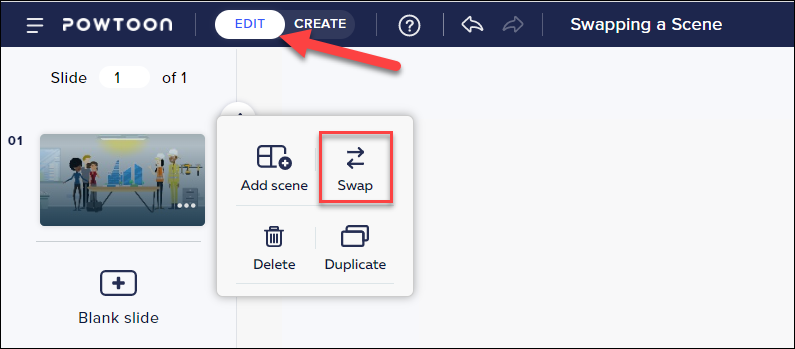
2. Browse through the scene libraries and locate the scene that you want to swap to.
3. The current scene will be replaced.
Comments
0 comments
Article is closed for comments.